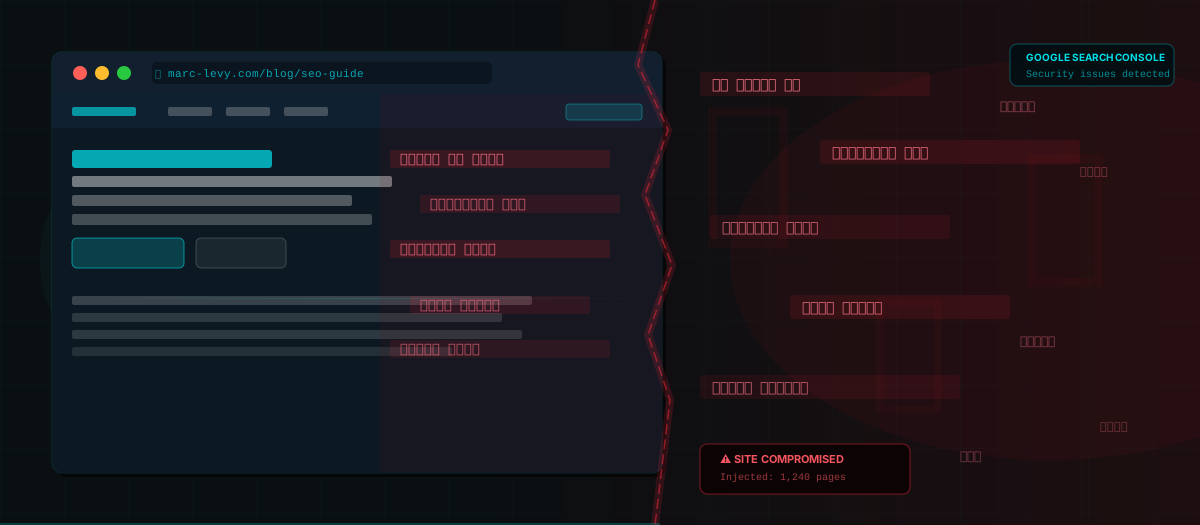
Website security is so important. Everyone is investing more in web design and digital marketing — yet protecting our asset is often such an afterthought, and this can be disastrous.
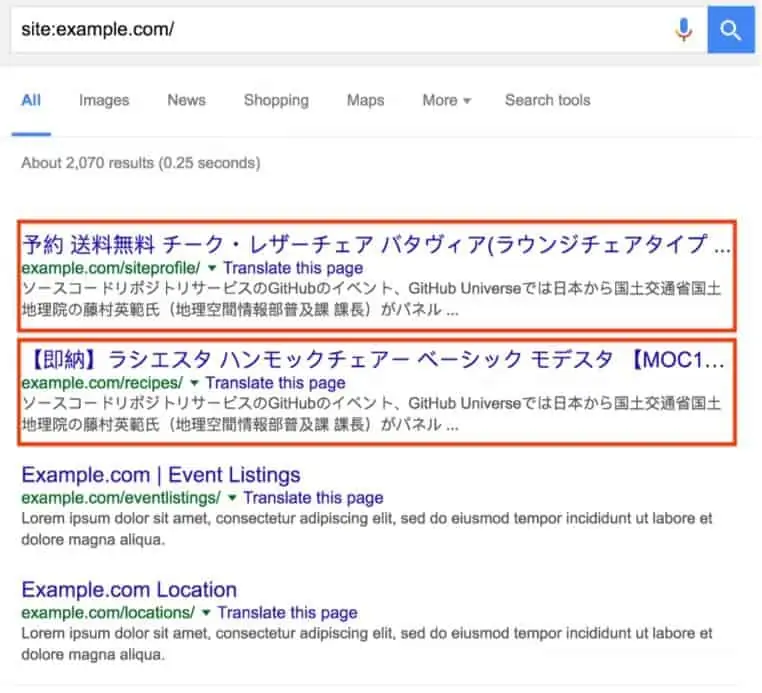
The Japanese keyword hack is one of the oldest tricks in the spam book — and it's back. If your site suddenly starts ranking for Japanese keywords you never created, or if Google Search Console is showing pages in Japanese that you didn't write, you've been hit.
What is the Japanese keyword hack?
Hackers gain access to your website (usually through outdated plugins, themes or weak passwords) and auto-generate hundreds or thousands of pages filled with Japanese text and links to shady products. These pages are designed to rank for Japanese commercial keywords and funnel traffic to spam sites.
The pages are often hidden from the site owner — shown only to Googlebot and Japanese-language users — so you might not notice until the damage is done.
How to detect it
Search Google for: site:yourdomain.com and look for any Japanese characters in the results. Also check Google Search Console's Coverage and URL Inspection reports for pages you don't recognise.
How to fix it
The fix involves removing the injected content, securing your CMS, updating all plugins and themes, changing all passwords and credentials, and submitting a reconsideration request to Google once everything is cleaned up. If you're on WordPress, a security plugin like Wordfence can help scan and remove the malicious files.
But the real lesson here? Prevention is everything. Keep your site updated, use strong unique passwords, enable two-factor authentication, and run regular security scans. Don't let your website become someone else's spam farm.